
Using WhatsApp with Kukus
Learn how to use WhatsApp together with Kukus.
First, you need to have your WhatsApp number activated. Check it in your profile.
WhatsApp Kukus
Kukus
Send an item from WhatsApp to Kukus
Just send the photos and text to the Kukus WhatsApp number: +41 76 651 98 28 (contact download). Important: send everything in a single post to avoid creating several separate items.
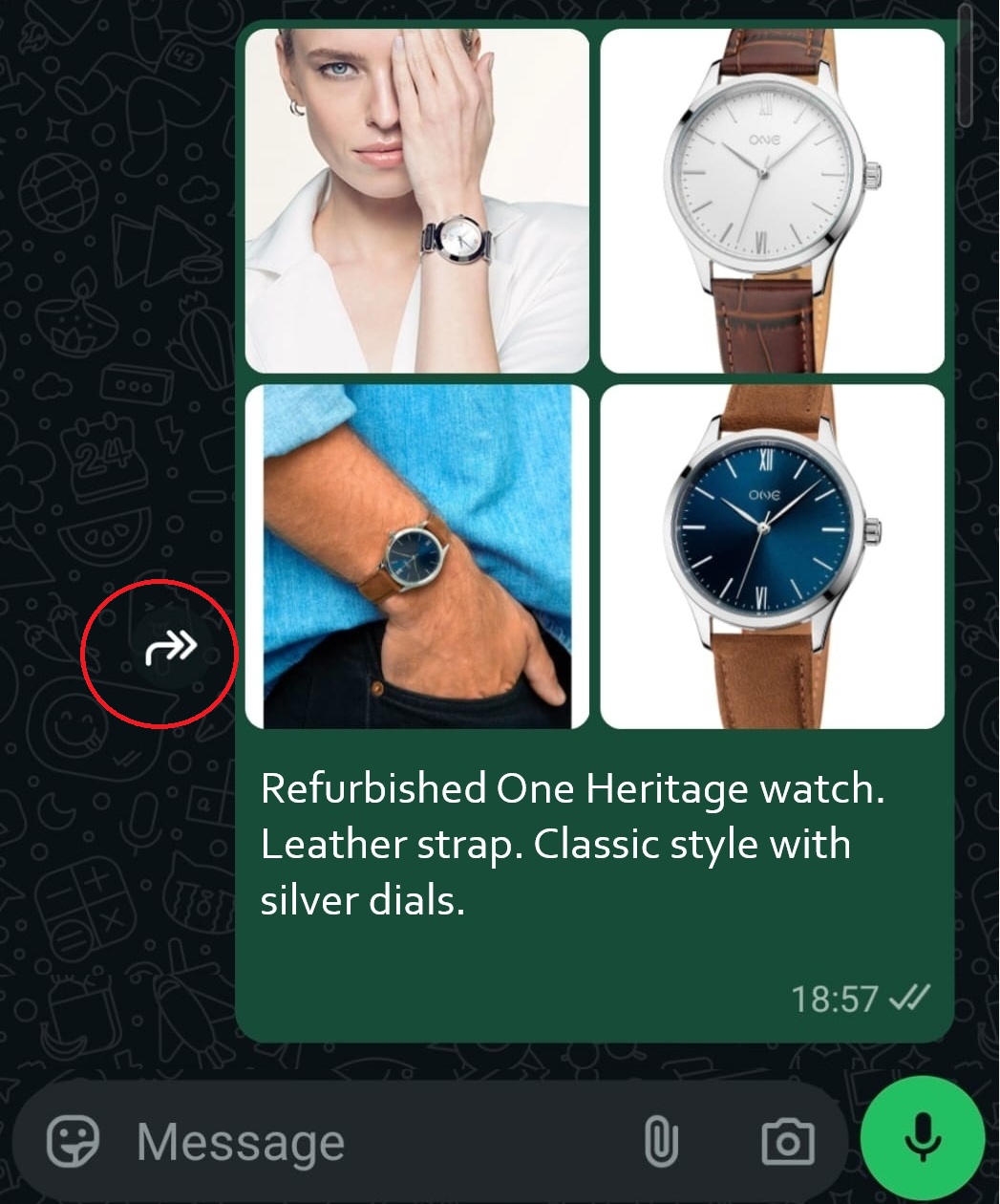
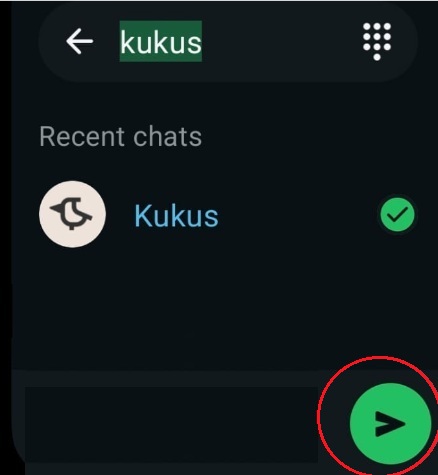
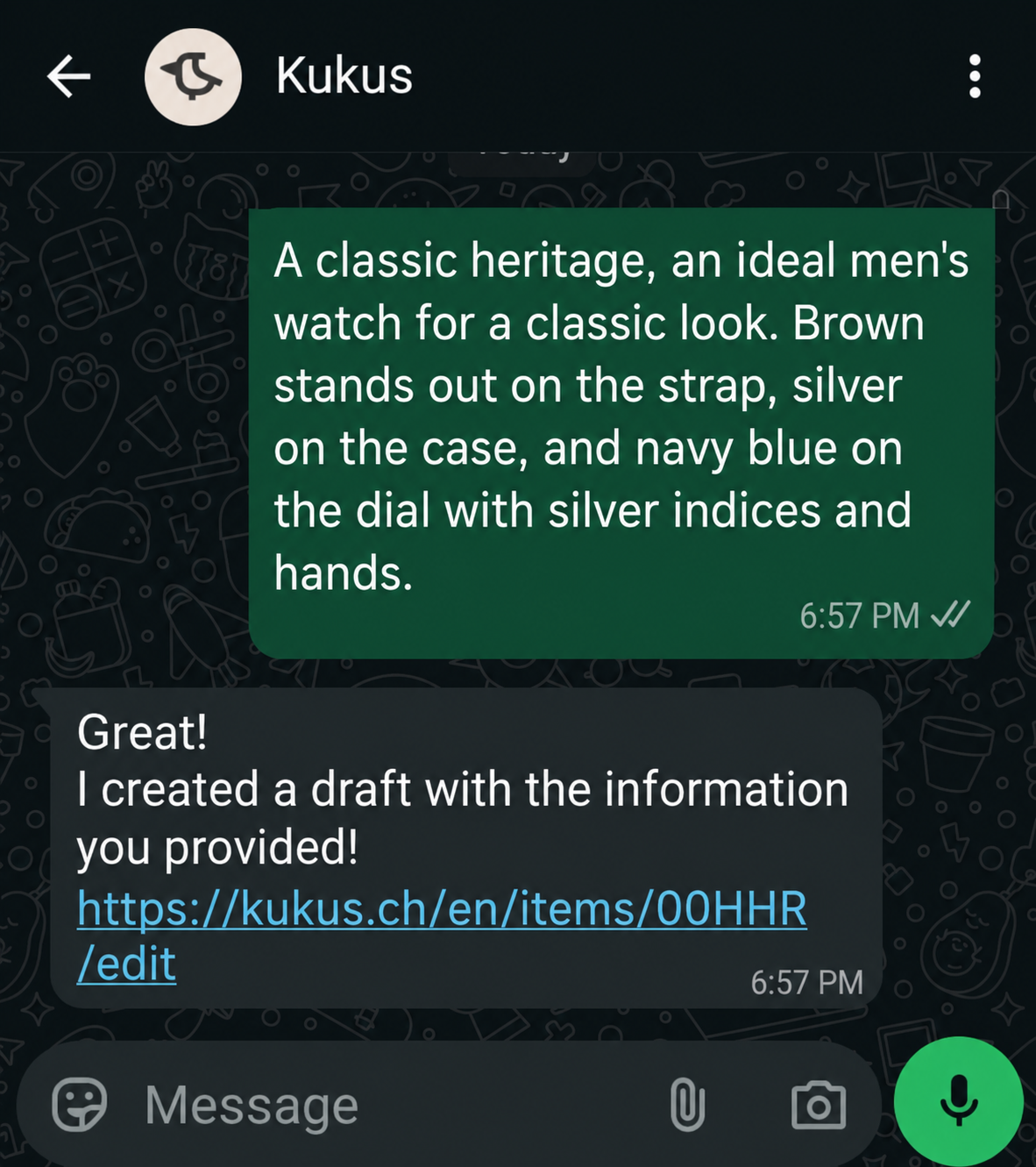
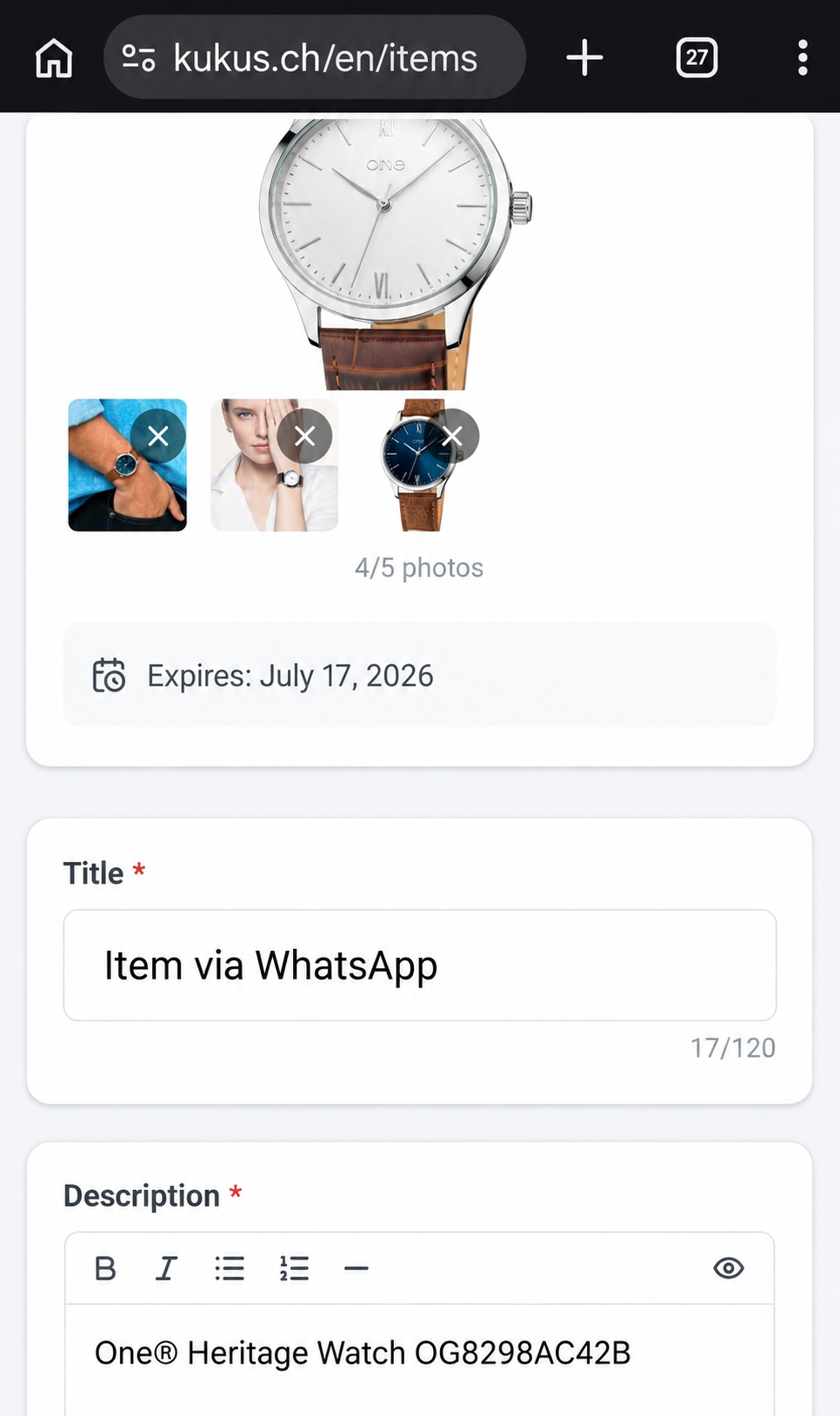
KukusWhatsApp
Send an item from Kukus to WhatsApp
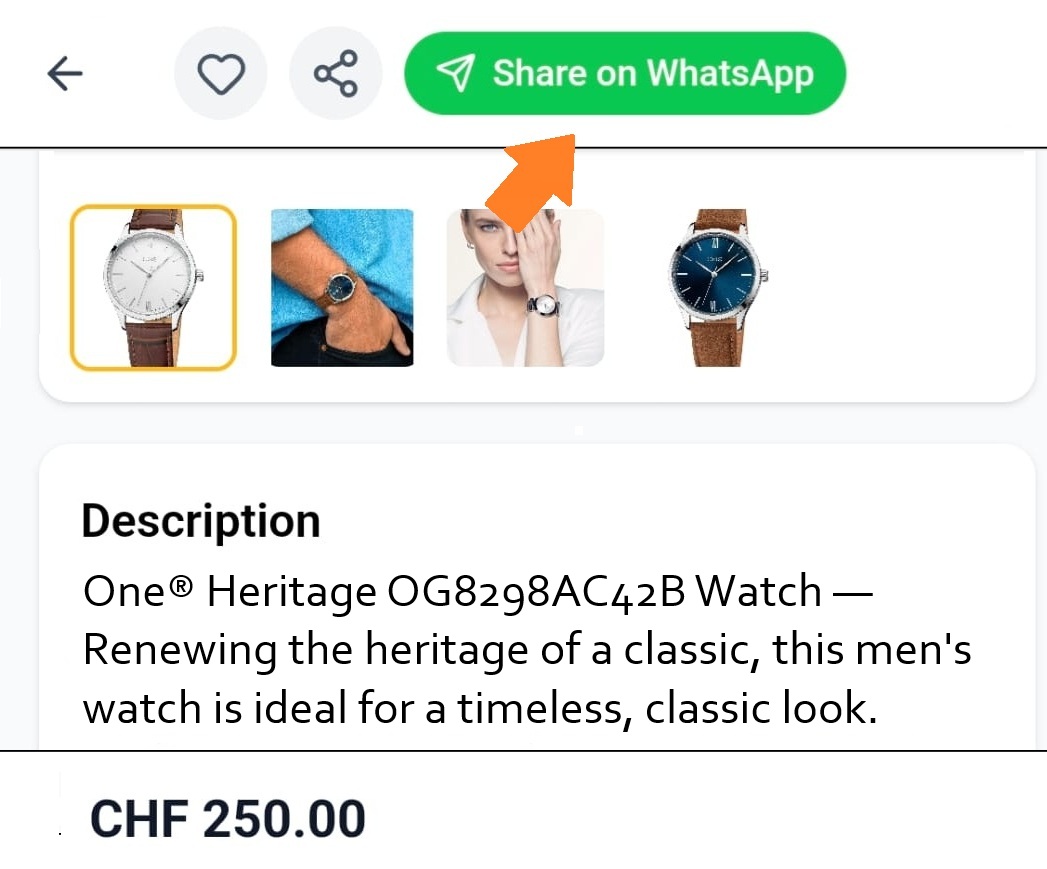
Inside a Kukus item, just use the button to share it on WhatsApp.
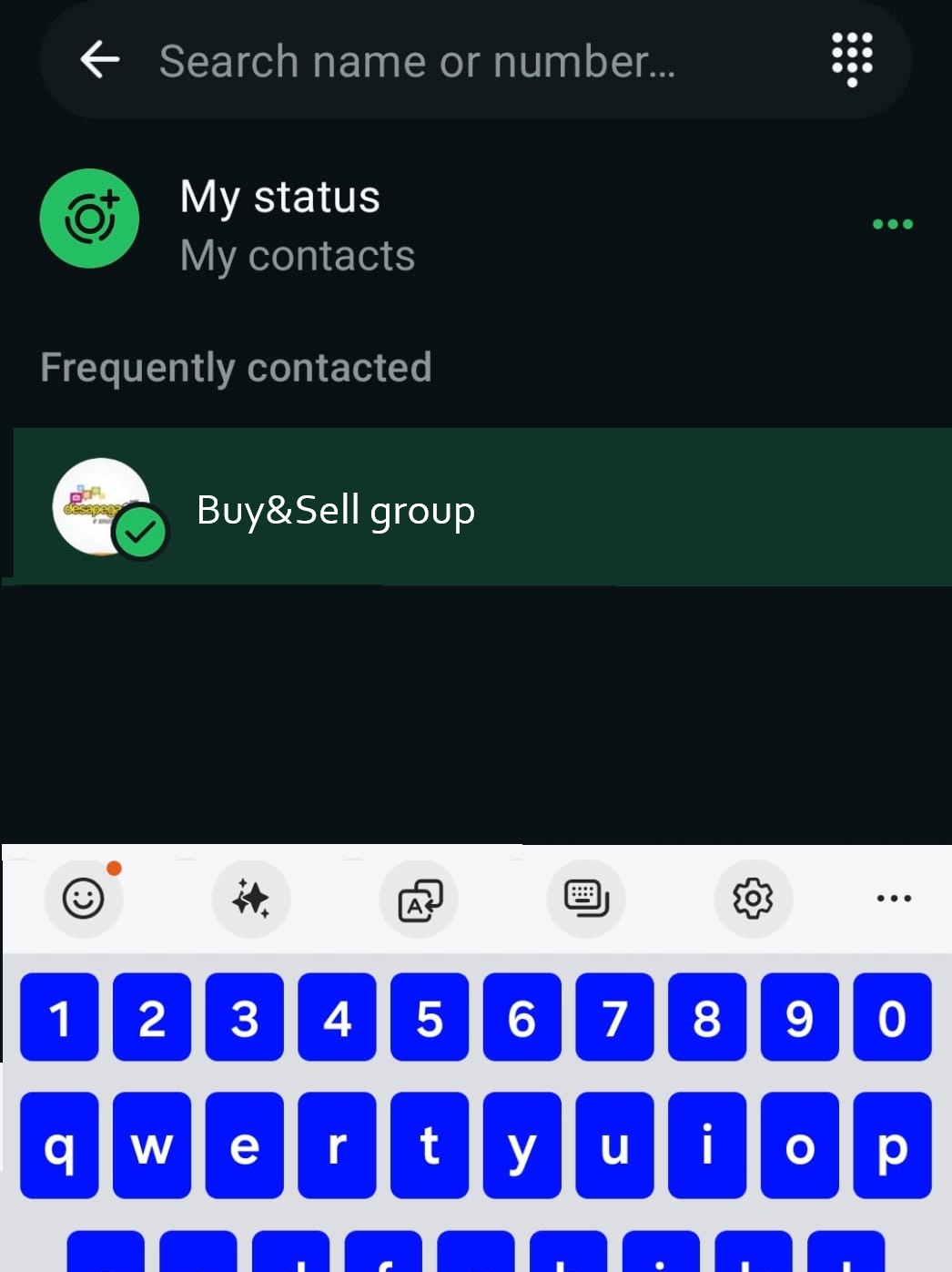

WhatsApp – More options
Send any simple message to the Kukus WhatsApp to see what you can do through WhatsApp.
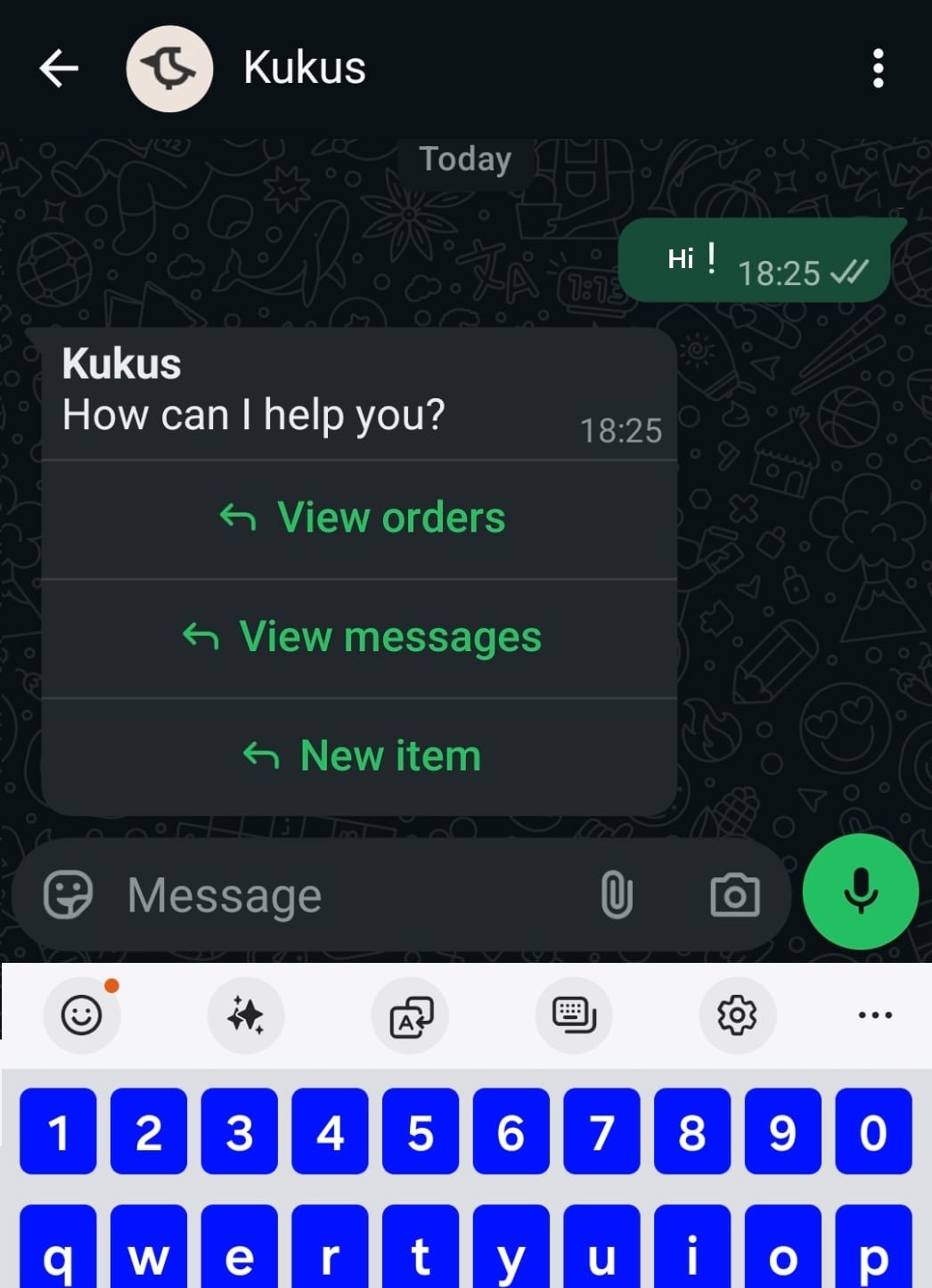
- View orders – Shows all your active purchases and sales
- View Messages – Shows new messages sent to you within Kukus
- New item – Add a new item through WhatsApp